Label comments
The workbench is two columns: Label Taxonomy (and Label Details) on the left, Comments on the right.
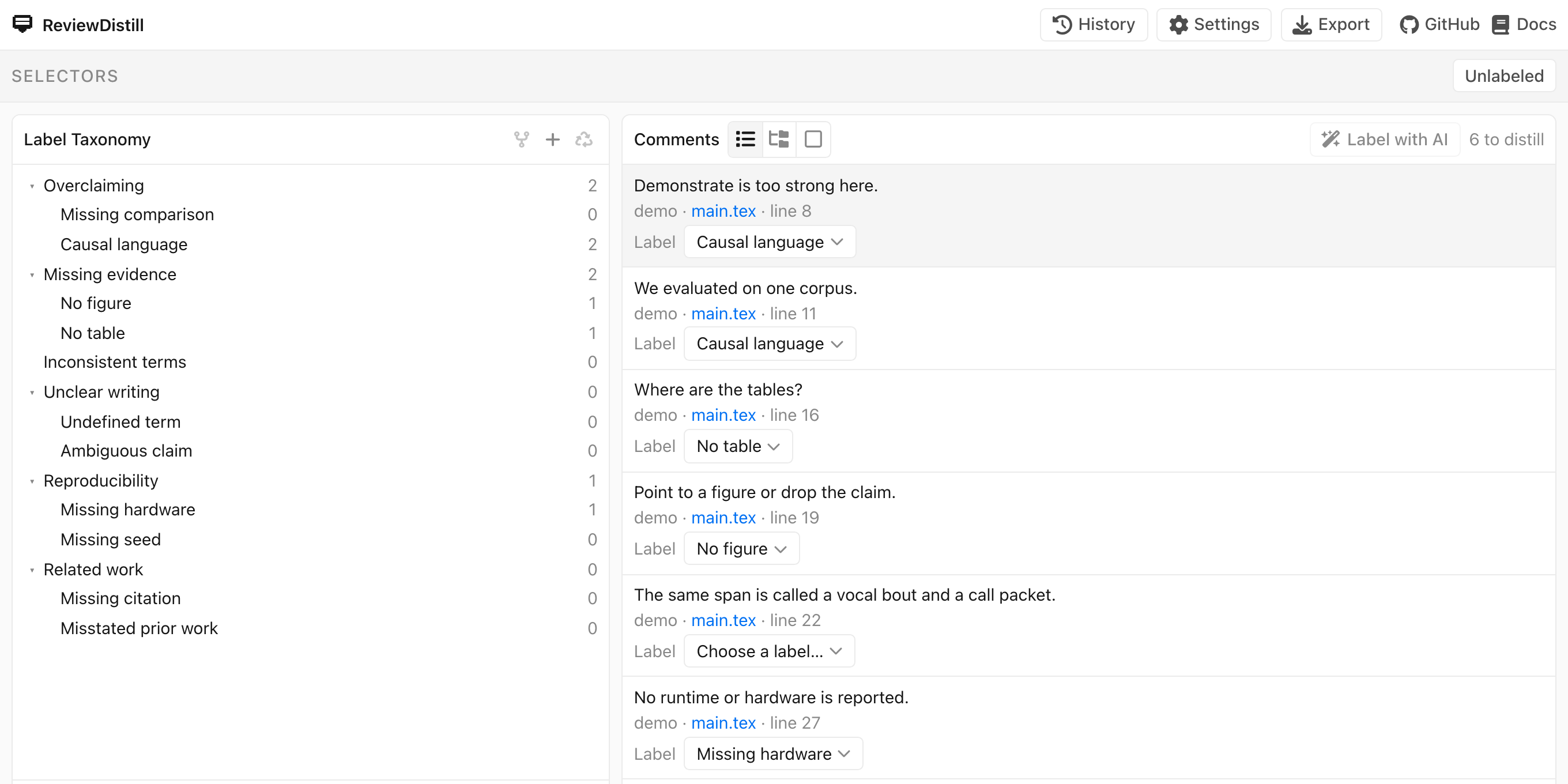
Click a comment. You can assign only a leaf (a label with no children). Pick one from the row menu, or drag an unlabeled comment onto a leaf.
The clip assigns Inconsistent terms to the leftover remark that one span is called both a vocal bout and a call packet. Watch the unlabeled row, then the leaf on the menu.
Label with AI is optional: set a key under Settings → Assistant first; the batch assigns unlabeled comments. You can change any assignment afterwards.
The one-comment view shows the manuscript sentence next to the remark:
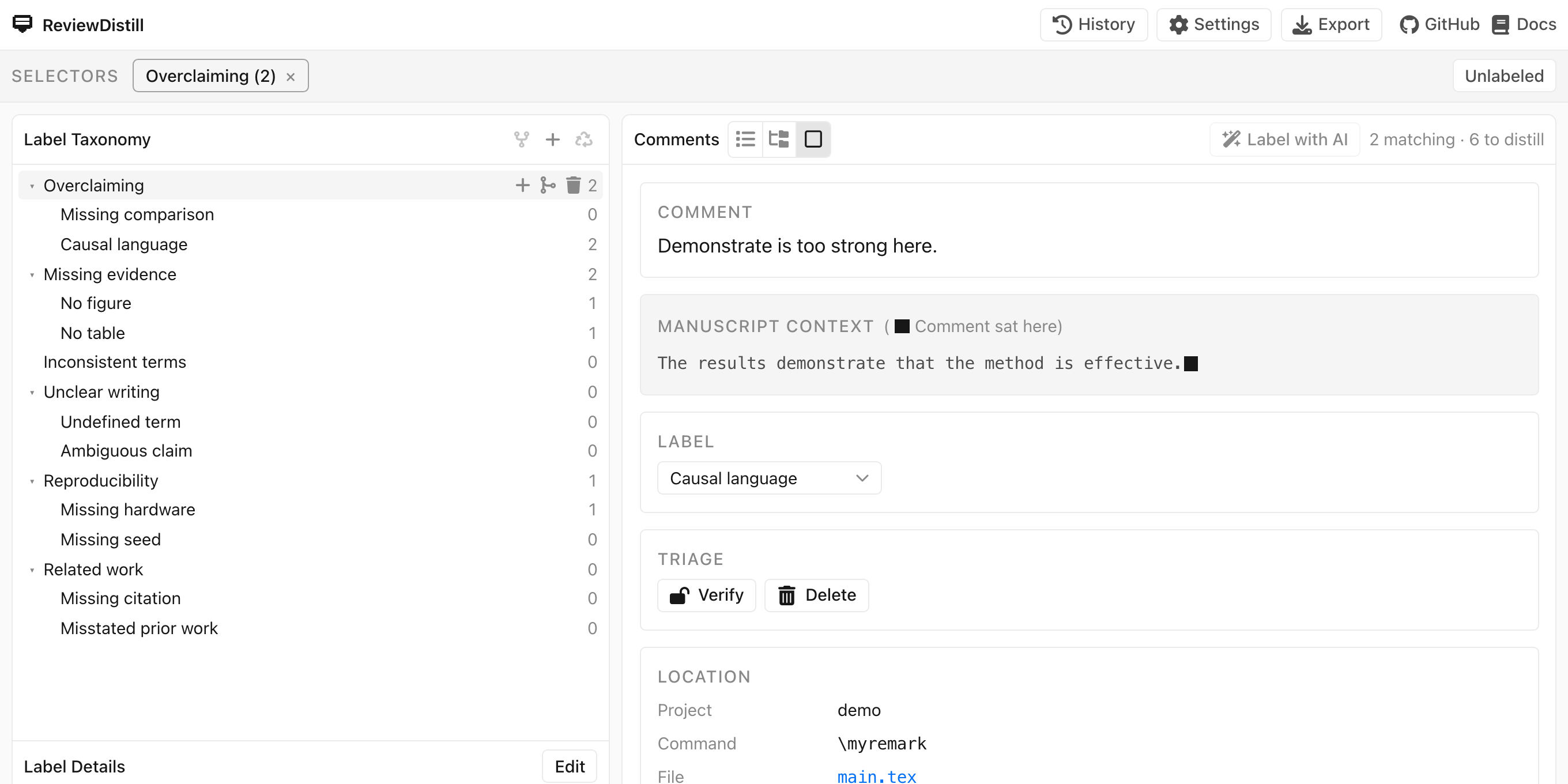
Verify marks that you have checked the observation. Delete removes a bad extract (disabled while verified). History undoes a bad assignment or a delete.
Next: Export a skill.